
How to Forecast Blinkit Inventory: A Practical Guide for FMCG Brands
A step-by-step playbook for forecasting Blinkit inventory by SKU and warehouse — using only your panel exports, no integrations.
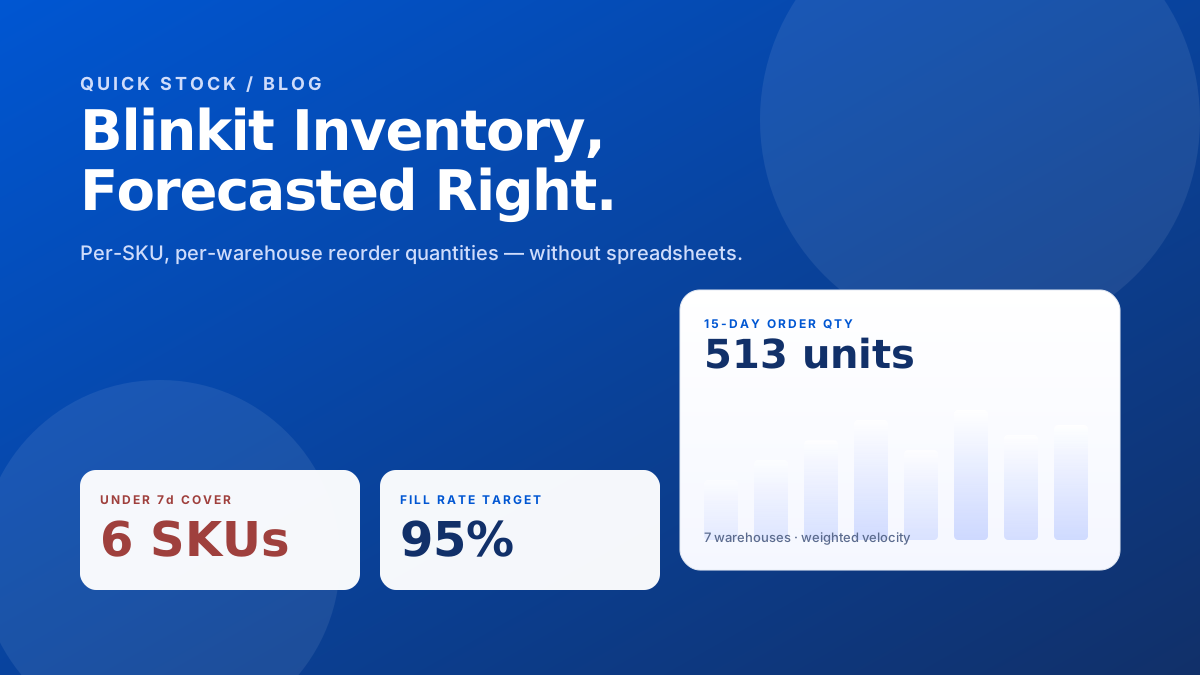
If you sell on Blinkit, you already know the pain: the panel shows you stock and sales, but it does not tell you how much to send next. Most brands answer that question in a spreadsheet, on a Sunday night, with a coffee and a guess. This guide replaces the guess with a method.
What you actually need to forecast
Forecasting Blinkit inventory does not need a model. It needs three signals, joined at the (SKU, warehouse) level:
- Sellable stock on hand at each dark store, today.
- Daily units sold over the last 7, 15, and 30 days.
- Lead time — how long it takes a PO to land at the warehouse.
Both signals come straight out of your Blinkit panel export. You do not need an integration, and you should not be paying anyone to scrape your own dashboard.
The weighted velocity method
A naive 30-day average drowns out the last week, which is exactly the week that matters. Weighting fixes that. The default that holds up across categories is 7-day 50%, 15-day 30%, 30-day 20%.
From velocity to reorder quantity
Once you have a daily velocity per SKU per warehouse, the recommended order quantity for the next 15 days is straightforward:
- Multiply velocity by 15 to get expected demand.
- Add a safety buffer sized off the standard deviation of recent daily sales.
- Subtract the sellable stock you already have on hand and any incoming POs.
- Floor at zero — never recommend a negative order.
Days of cover is your early-warning system
Days of cover (DOC) is sellable stock divided by daily velocity. SKUs under 7 days of cover are about to stock out. SKUs above 30 days are trapping working capital. Sort by DOC ascending and you have your action list before the panel ever flags it.
Mistakes we see every week
- Subtracting near-expiry stock from sellable. Blinkit already excludes it — subtracting again double-counts and inflates your order.
- Forecasting at the SKU level, ignoring warehouse. The same SKU sells 4× faster in BLR-WH-02 than in DEL-WH-11. One number hides both.
- Using a flat 30-day average. It will lag every promotion and every competitor stock-out by two weeks.
- Treating order lines as sales. Aggregate by SKU + date before you compute velocity, or you will count cancellations as demand.
Where Quick Stock fits
Quick Stock runs the method above against your raw Blinkit exports. Drop in the inventory file and the sales file, and you get per-SKU, per-warehouse 15-day and 30-day reorder quantities with full transparency on the velocity, safety stock, and DOC behind every row. No spreadsheets, no integrations, no IT team.
Try it on your data
See your reorder quantities in 60 seconds
Upload your Blinkit inventory and sales exports — Quick Stock returns per-SKU, per-warehouse 15-day and 30-day order quantities. Free until May 30.
Sign up free